Audiolyze
Professional Audio Spectrum Analyzer
A powerful real-time audio analysis tool for iOS, iPadOS, and macOS. Visualize sound with stunning spectrum displays, oscilloscope views, and waterfall spectrograms. Built for musicians, audio engineers, podcasters, and anyone who works with sound.

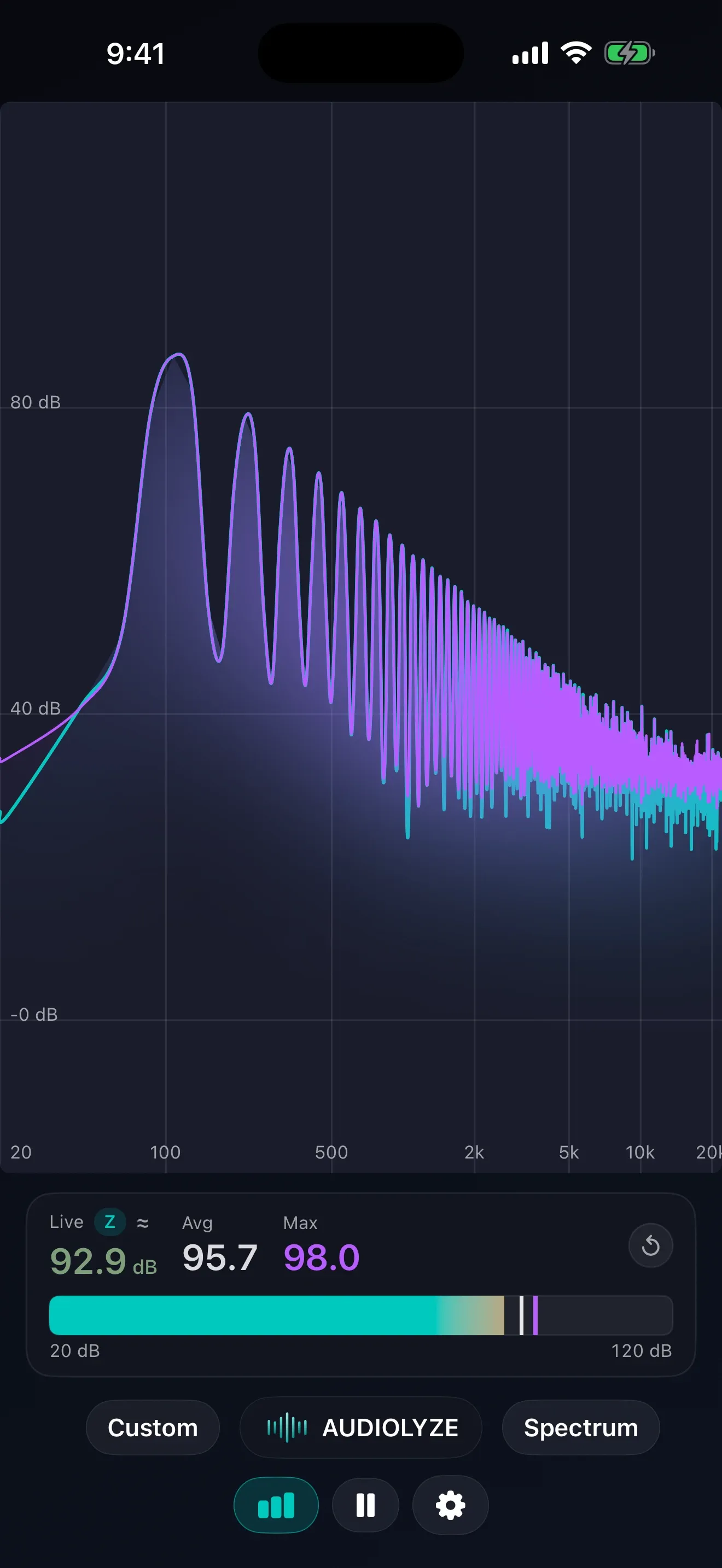
Built for Every Screen
Audiolyze is a native app on Mac, iPad, and iPhone.
Powerful Features
Beyond the live visualizations, Audiolyze packs a full analysis toolkit — each shown here at work in the native Mac app.
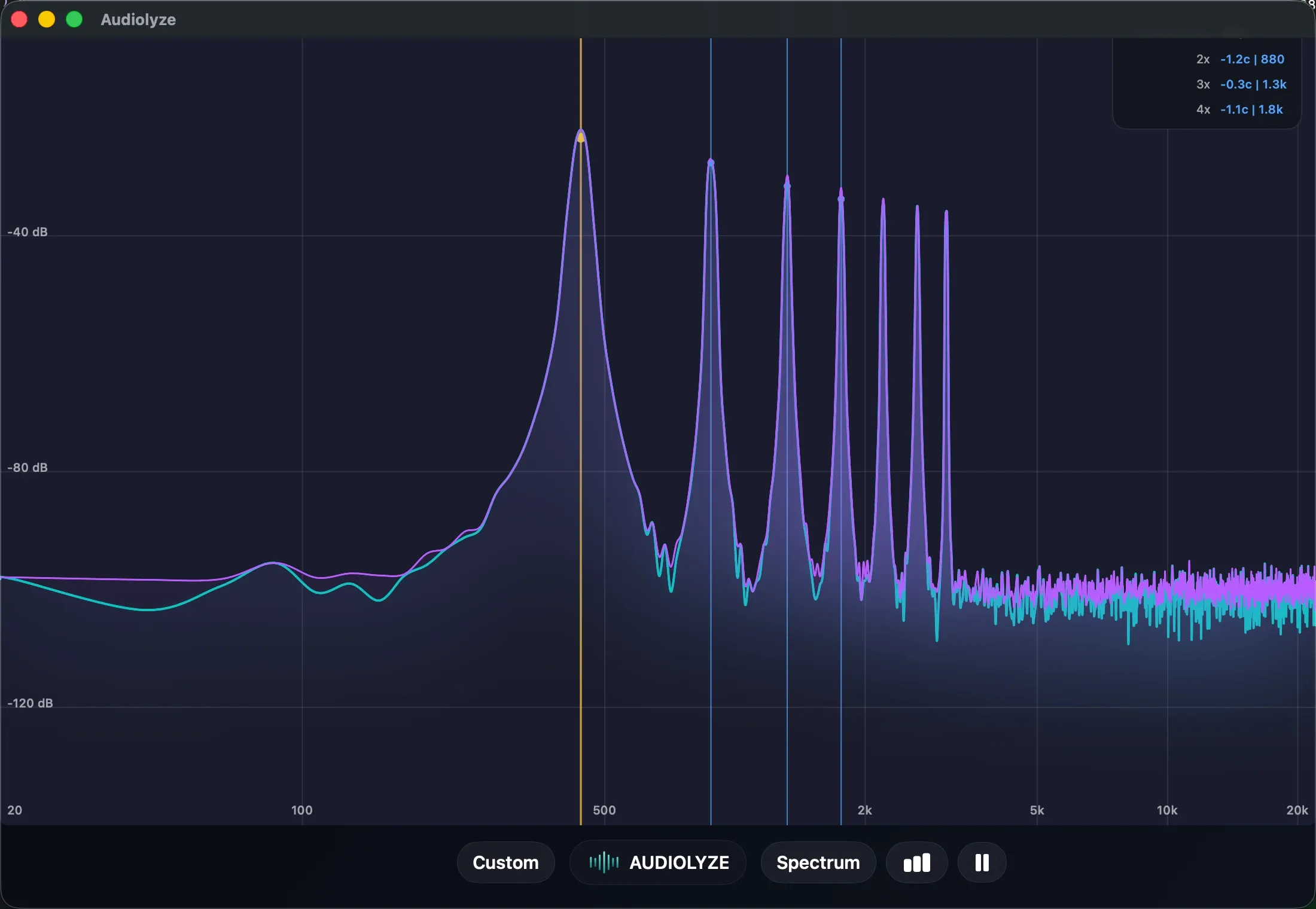
Harmonic Tracking
Automatic fundamental detection locks the pitch and overlays the full harmonic series right on the spectrum, with live cents deviation for every partial. Read the harmonic structure of any tone at a glance.
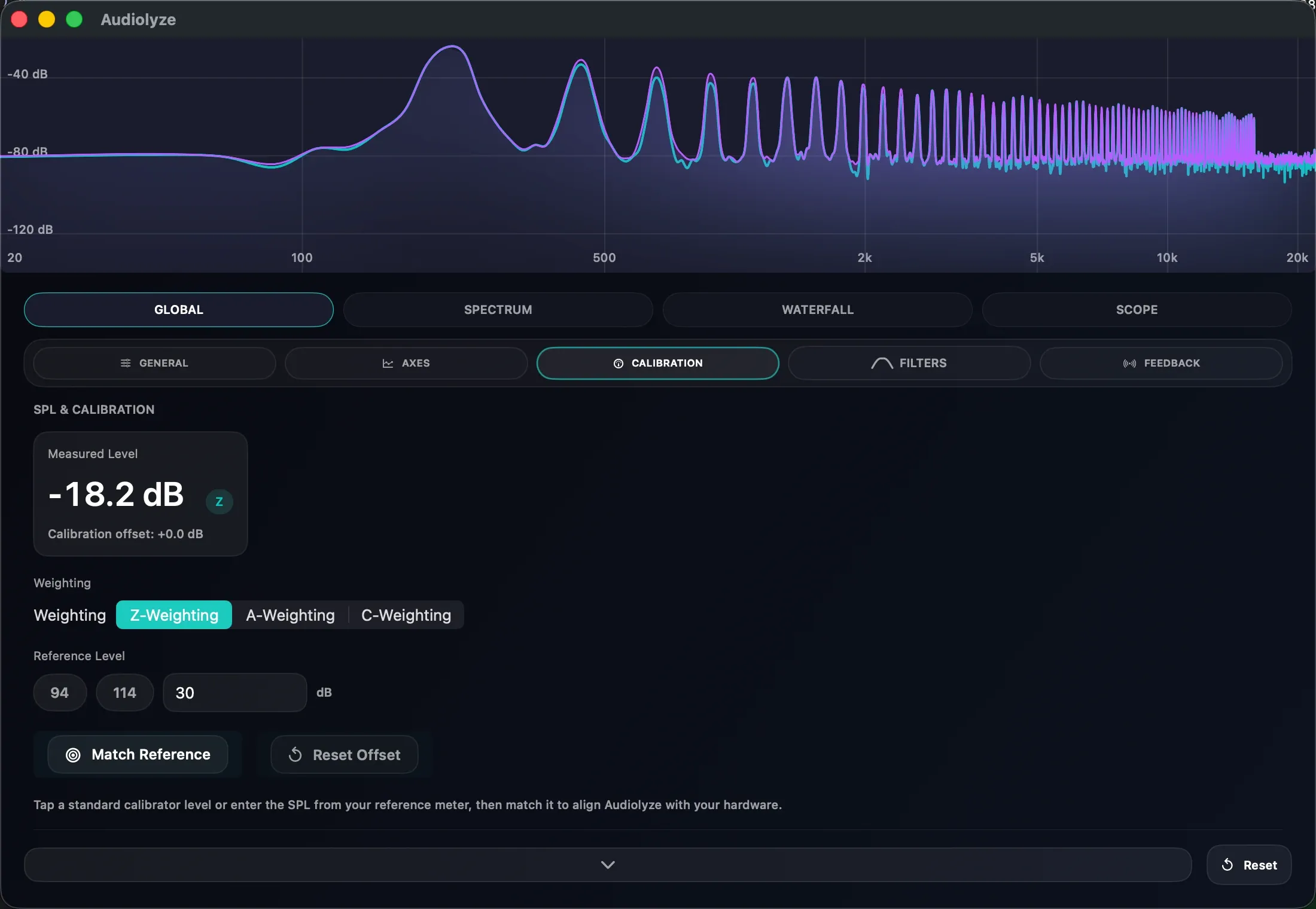
SPL Metering
Sound Pressure Level measurement with A- and Z-weighting. Calibrate against a reference meter to align Audiolyze to your hardware for accurate, repeatable decibel readings.
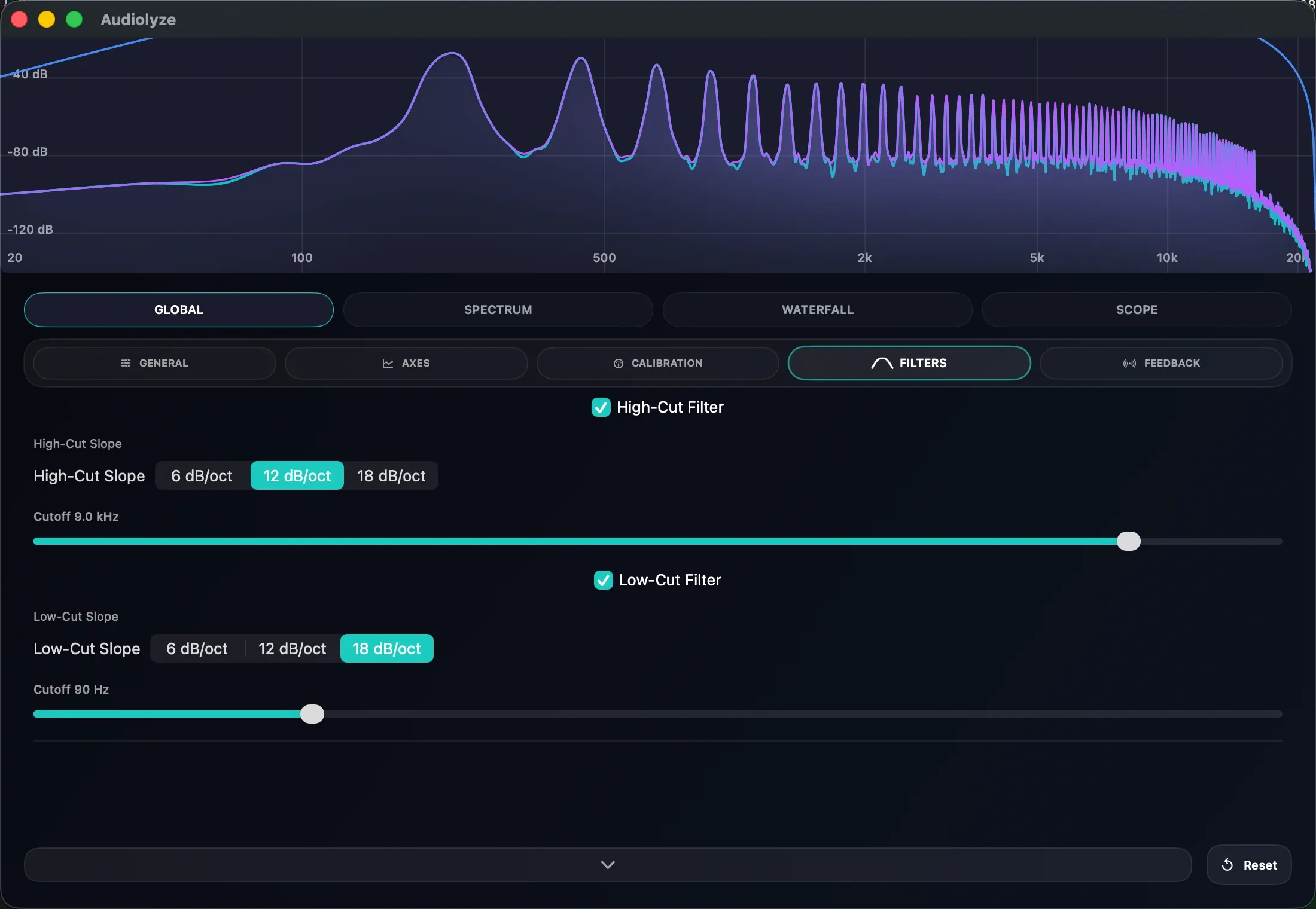
Configurable Filters
High-pass and low-pass filters with adjustable cutoff frequencies and selectable slopes, drawn live over the spectrum so you can isolate exactly the frequency range you care about.
Four Ways to See Sound
Swipe between visualizations. Every view is GPU-accelerated and updates in real time.
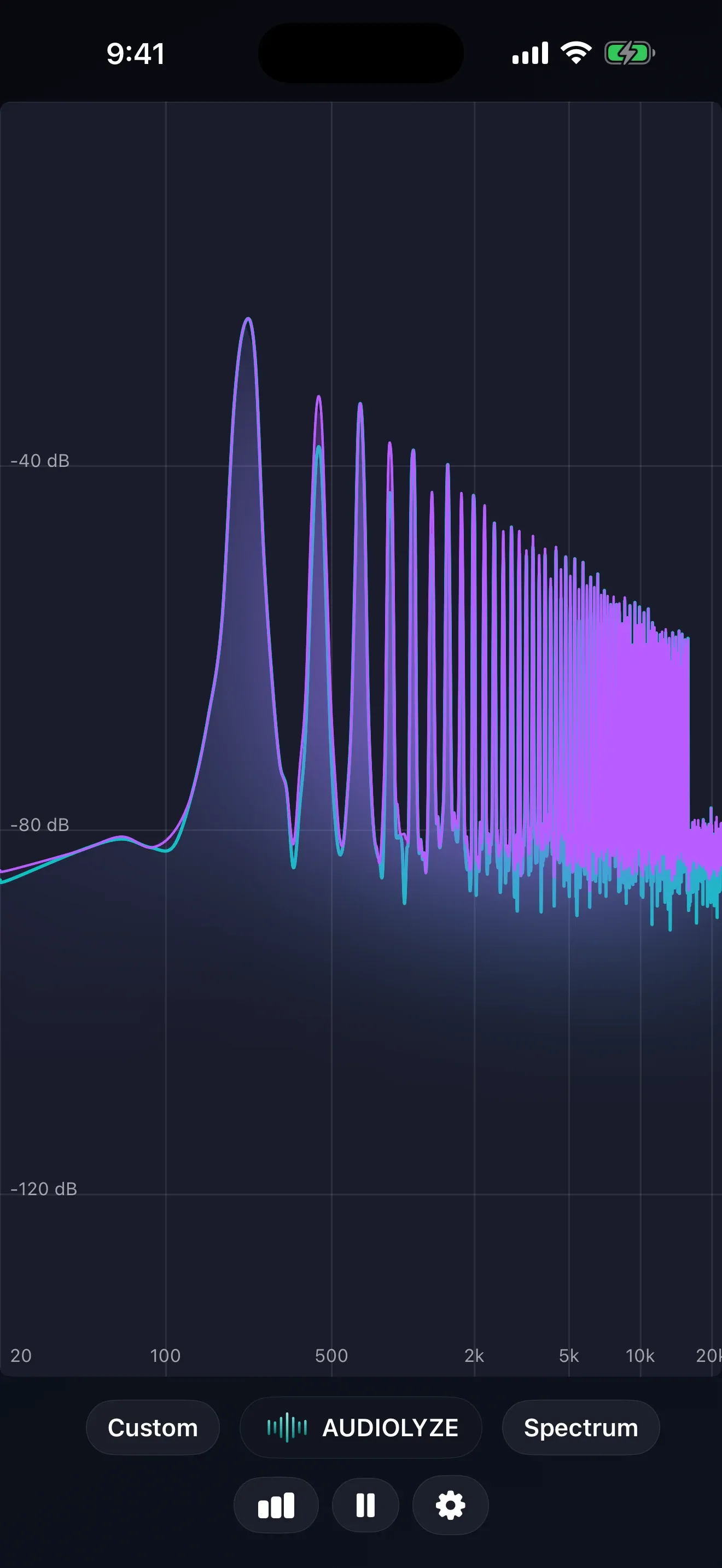
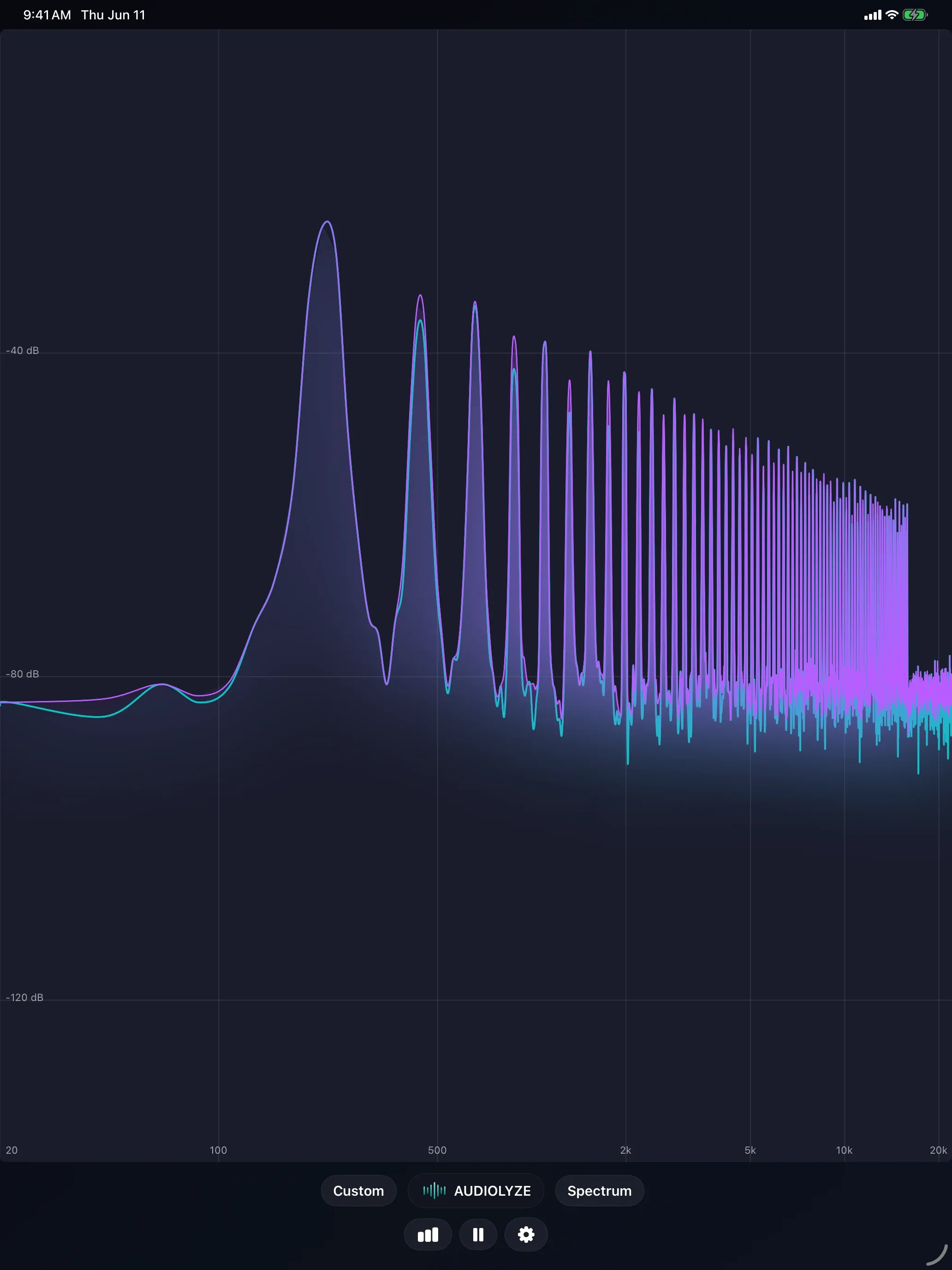
Spectrum
Real-time FFT with peak hold
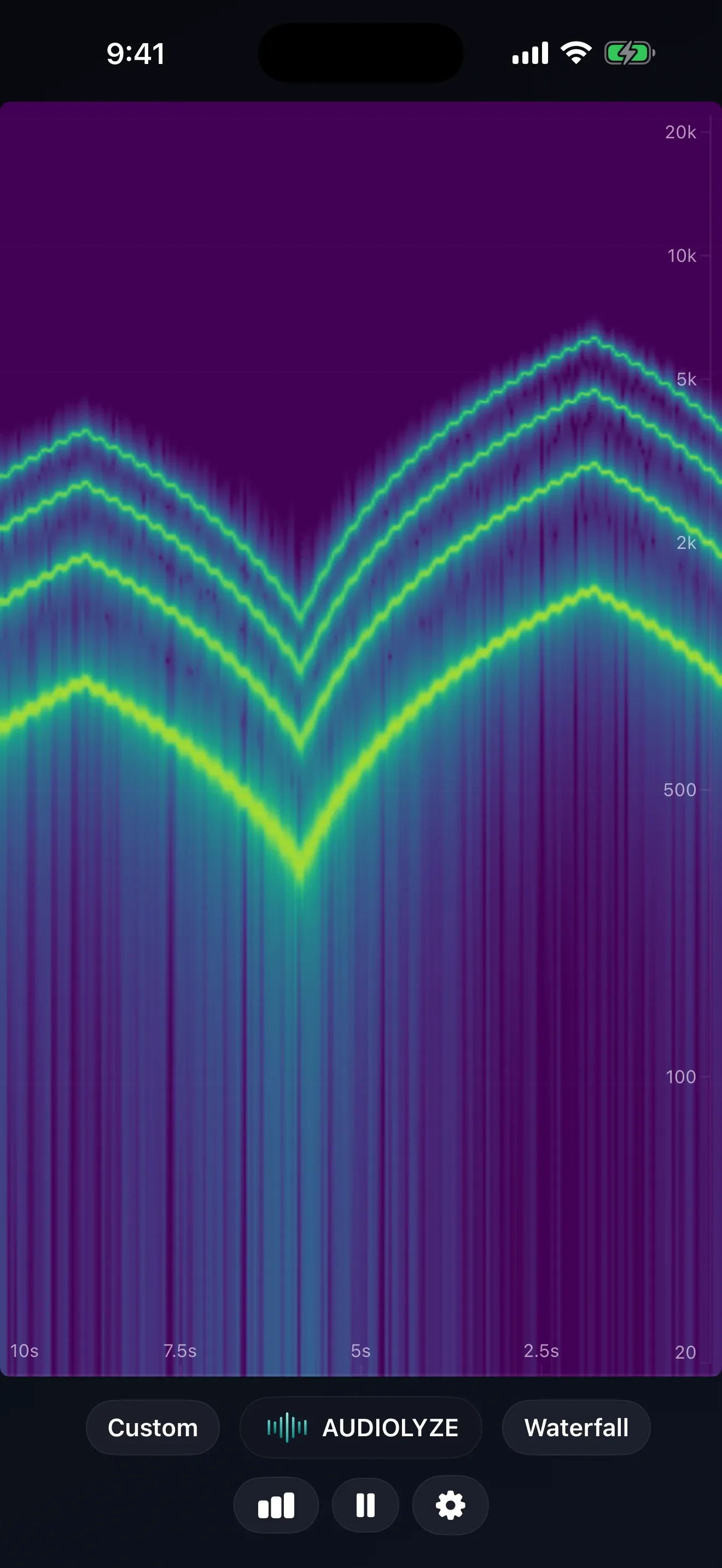
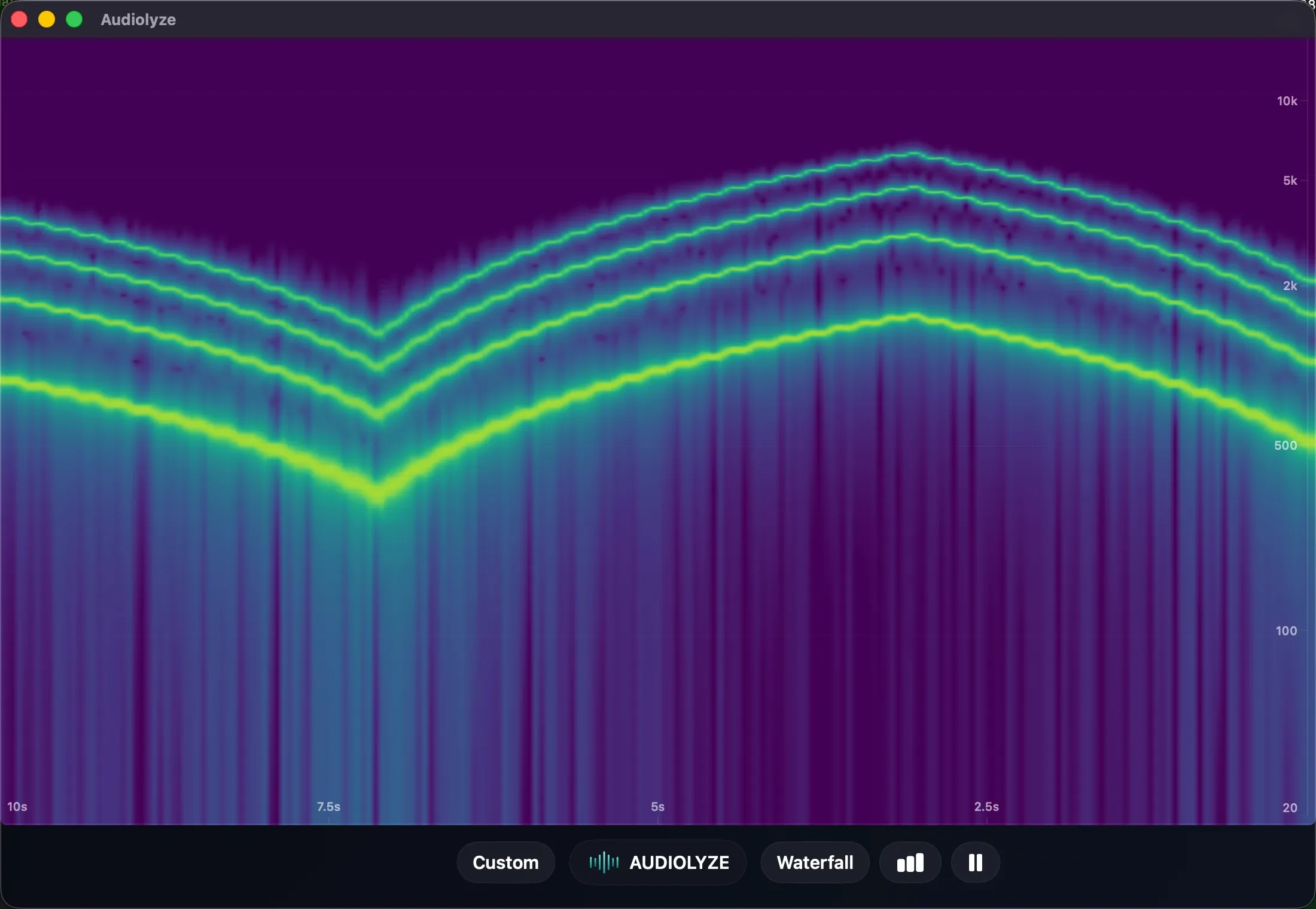
Waterfall
Frequency content over time
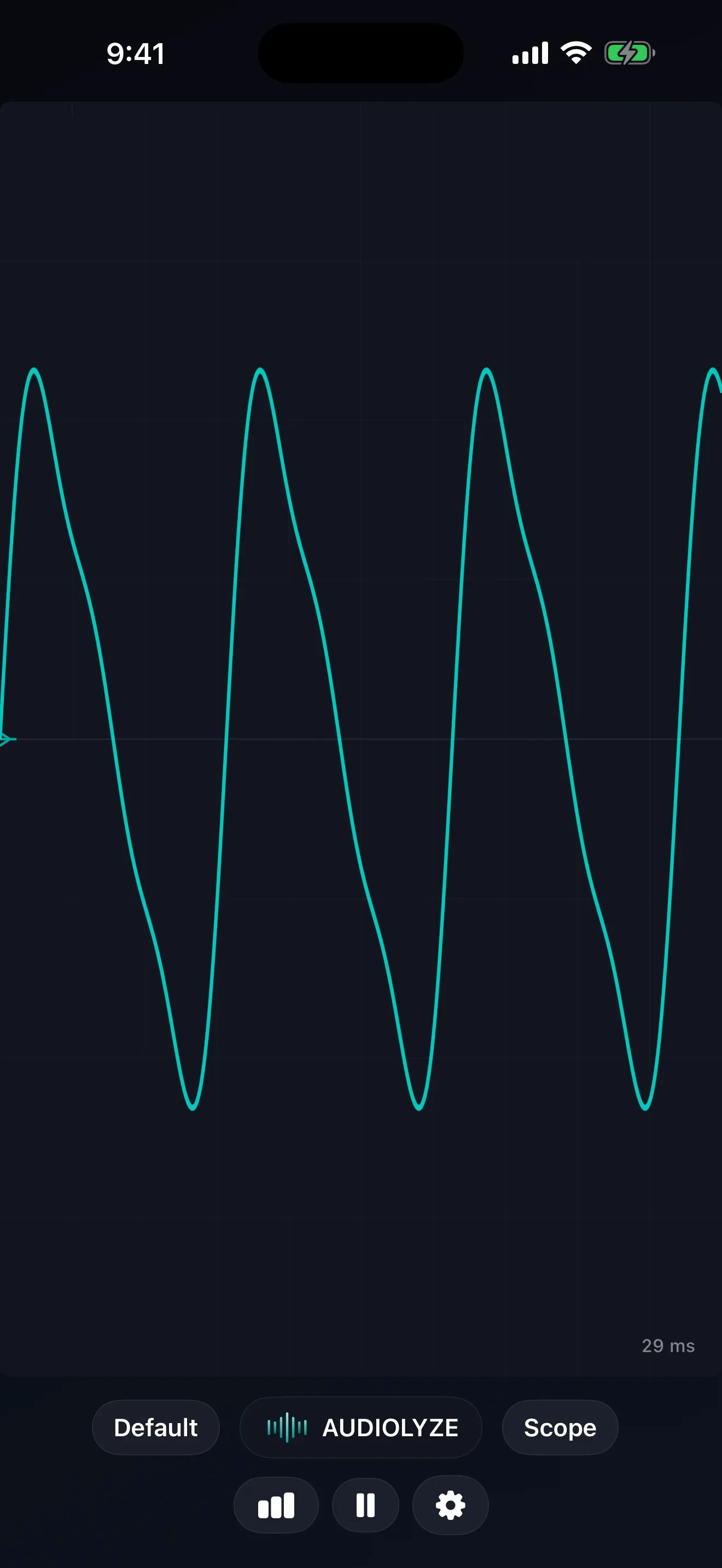
Oscilloscope
Raw waveform and transients
SPL Meter
Live, average, and peak decibel levels
Technical Specifications
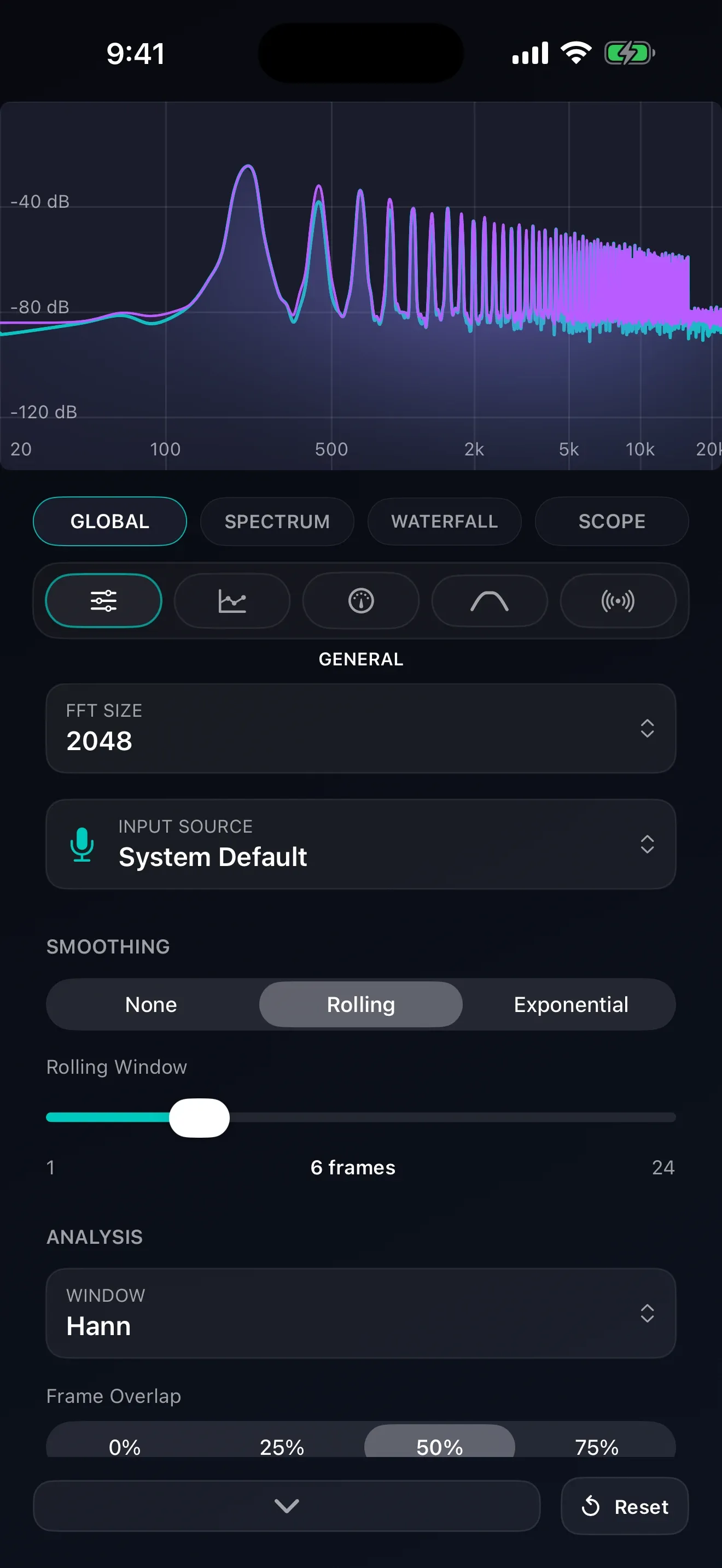
Built with performance in mind. Audiolyze uses Metal for GPU-accelerated rendering and the Accelerate framework for efficient DSP, ensuring smooth visuals even with the highest FFT resolutions.
Available in 13 languages
Ready to Visualize Sound?
Audiolyze is available now on the App Store for iPhone, iPad, and Mac.